您现在的位置是:首页 >技术教程 >在cam套料软件中,我想用c++通过xml序列化的方法设置工程文件并打开和保存相关的几何信息,其中几何信息有点、直线、圆、圆弧,最后用c++方法加密现有工程文件网站首页技术教程
在cam套料软件中,我想用c++通过xml序列化的方法设置工程文件并打开和保存相关的几何信息,其中几何信息有点、直线、圆、圆弧,最后用c++方法加密现有工程文件
在CAM套料软件中,使用C++通过XML序列化设置工程文件并保存几何信息(点、直线、圆、圆弧),以及加密现有工程文件,可以按照以下步骤实现:
- 定义几何数据结构
首先,需要为每种几何元素定义对应的数据结构:
cpp复制
struct Point {
double x;
double y;
};
struct Line {
Point start;
Point end;
};
struct Circle {
Point center;
double radius;
};
struct Arc {
Point center;
double radius;
double start_angle; // 弧度
double end_angle; // 弧度
bool clockwise; // 方向
};
2. 工程文件结构设计
定义工程文件的结构,包含几何数据集合和可能的元信息:
cpp复制
#include
#include
struct Project {
std::string version; // 工程版本
std::vector points; // 点集合
std::vector
std::vector
std::vector arcs; // 圆弧集合
};
3. XML序列化与反序列化
使用C++库(如tinyxml2)来实现XML序列化:
cpp复制
#include <tinyxml2.h>
// 序列化点
void serializePoint(tinyxml2::XMLElement* parent, const Point& p) {
tinyxml2::XMLElement* pointElement = parent->GetDocument()->NewElement(“Point”);
pointElement->SetDoubleAttribute(“x”, p.x);
pointElement->SetDoubleAttribute(“y”, p.y);
parent->InsertEndChild(pointElement);
}
// 序列化直线
void serializeLine(tinyxml2::XMLElement* parent, const Line& line) {
tinyxml2::XMLElement* lineElement = parent->GetDocument()->NewElement(“Line”);
serializePoint(lineElement, line.start);
serializePoint(lineElement, line.end);
parent->InsertEndChild(lineElement);
}
// 序列化圆
void serializeCircle(tinyxml2::XMLElement* parent, const Circle& circle) {
tinyxml2::XMLElement* circleElement = parent->GetDocument()->NewElement(“Circle”);
serializePoint(circleElement, circle.center);
circleElement->SetDoubleAttribute(“radius”, circle.radius);
parent->InsertEndChild(circleElement);
}
// 序列化圆弧
void serializeArc(tinyxml2::XMLElement* parent, const Arc& arc) {
tinyxml2::XMLElement* arcElement = parent->GetDocument()->NewElement(“Arc”);
serializePoint(arcElement, arc.center);
arcElement->SetDoubleAttribute(“radius”, arc.radius);
arcElement->SetDoubleAttribute(“start_angle”, arc.start_angle);
arcElement->SetDoubleAttribute(“end_angle”, arc.end_angle);
arcElement->SetAttribute(“clockwise”, arc.clockwise ? “true” : “false”);
parent->InsertEndChild(arcElement);
}
// 序列化工程
bool serializeProject(const std::string& filename, const Project& project) {
tinyxml2::XMLDocument doc;
tinyxml2::XMLElement* root = doc.NewElement(“Project”);
root->SetAttribute(“version”, project.version.c_str());
doc.InsertFirstChild(root);
for (const auto& p : project.points) {
    serializePoint(root, p);
}
for (const auto& line : project.lines) {
    serializeLine(root, line);
}
for (const auto& circle : project.circles) {
    serializeCircle(root, circle);
}
for (const auto& arc : project.arcs) {
    serializeArc(root, arc);
}

return doc.SaveFile(filename.c_str()) == tinyxml2::XML_SUCCESS;
}
4. 加密工程文件
使用AES加密算法对工程文件进行加密。以下是一个简单的加密示例:
cpp复制
#include <openssl/aes.h>
#include
#include
void encryptFile(const std::string& input, const std::string& output, const std::string& key) {
std::ifstream infile(input, std::ios::binary);
std::ofstream outfile(output, std::ios::binary);
std::vector<unsigned char> buffer(1024);
AES_KEY enc_key;
AES_set_encrypt_key(reinterpret_cast<const unsigned char*>(key.c_str()), 128, &enc_key);

while (infile.read(reinterpret_cast<char*>(buffer.data()), buffer.size())) {
    AES_encrypt(buffer.data(), buffer.data(), &enc_key);
    outfile.write(reinterpret_cast<char*>(buffer.data()), buffer.size());
}

size_t lastRead = infile.gcount();
if (lastRead > 0) {
    AES_encrypt(buffer.data(), buffer.data(), &enc_key);
    outfile.write(reinterpret_cast<char*>(buffer.data()), lastRead);
}

infile.close();
outfile.close();
}
5. 使用示例
cpp复制
int main() {
Project project;
project.version = “1.0”;
project.points.push_back({0.0, 0.0});
project.lines.push_back({{1.0, 1.0}, {2.0, 2.0}});
project.circles.push_back({{3.0, 3.0}, 5.0});
project.arcs.push_back({{4.0, 4.0}, 2.0, 0.0, 3.14, true});
// 序列化并保存工程文件
serializeProject("project.xml", project);

// 加密工程文件
encryptFile("project.xml", "project_encrypted.xml", "my_secret_key_16");

return 0;
}
注意事项
安全性:确保使用安全的加密算法和密钥管理。
错误处理:在文件读写和加密过程中添加错误处理。
依赖库:确保安装了tinyxml2和OpenSSL库。
通过以上步骤,你可以使用C++在CAM套料软件中实现工程文件的XML序列化和加密。





站长推荐
- QT多线程的5种用法,通过使用线程解决UI主界面的耗时操作代码,防止界面卡死。
 QT多线程的5种用法,通过使用线程解决UI主界面的耗时操作代码,防止界面卡死。...
 - U8W/U8W-Mini使用与常见问题解决
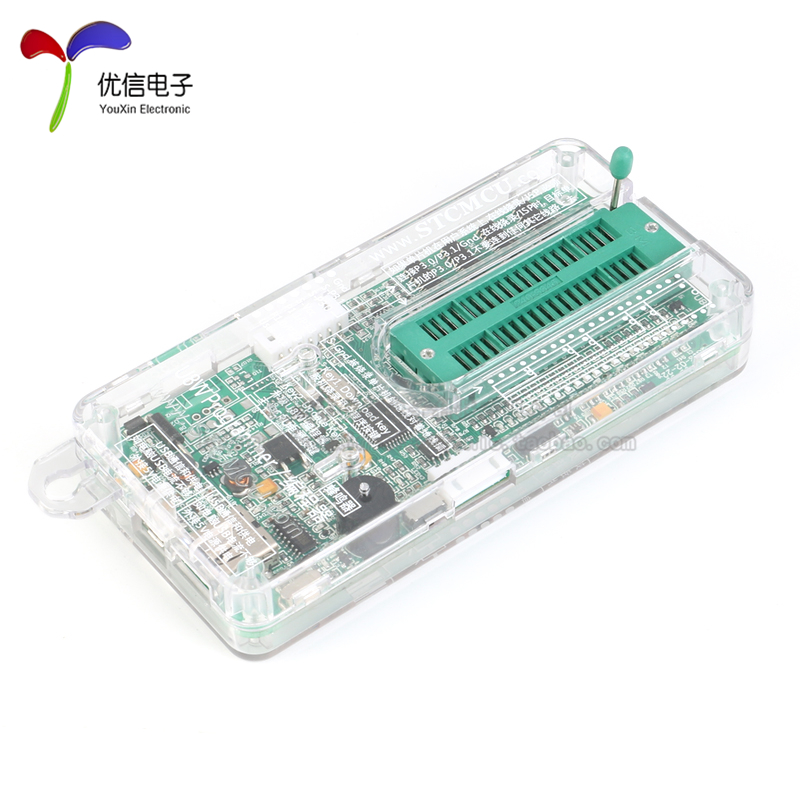 U8W/U8W-Mini使用与常见问题解决
 - stm32使用HAL库配置串口中断收发数据(保姆级教程)
 stm32使用HAL库配置串口中断收发数据(保姆级教程)
 - 分享几个国内免费的ChatGPT镜像网址(亲测有效)
 分享几个国内免费的ChatGPT镜像网址(亲测有效)
 - Allegro16.6差分等长设置及走线总结
 Allegro16.6差分等长设置及走线总结