您现在的位置是:首页 >技术杂谈 >Unity 接入Tripo 文生模型,图生模型网站首页技术杂谈
Unity 接入Tripo 文生模型,图生模型
简介Unity 接入Tripo 文生模型,图生模型
- 官方网站:https://www.tripo3d.ai/app/home自行注册账号并且登陆
- 下载Unity插件:https://cdn-web.tripo3d.ai/plugin/tripo-unity.zip
- 申请apikey: https://platform.tripo3d.ai/api-keys
- 使用(后续过程就按照第二步下载的插件里面的说明操作即可)
- 编辑器使用:
将上面申请的apikey填入第一行,后续即可使用下面的界面进行生成

- 运行时使用:(运行时需要注意的是后台生成不会立即返回,需要等待AI计算)
 public class TestTripoRuntime : MonoBehaviour
 {
     public TripoRuntimeCore trc;
     public  void Start()
     {
         trc.set_api_key("这里填入你key");
         trc.OnDownloadComplete.AddListener((url) => {
             Debug.Log("生成后的回调下载地址 :" + url);
         });
     }


     private void OnGUI()
     {
         if (trc != null) {
             if (GUI.Button(new Rect(0, 0,  100, 100), "文生模型"))
             {
                 trc.textPrompt = "小狗";
                 trc.Text_to_Model_func();
             }

             if (GUI.Button(new Rect(0, 120, 100, 100), "图生模型"))
             {
                 trc.imagePath = Application.dataPath + "/1.png";
                 trc.Image_to_Model_func();
             }
         }
     }
 }
最后看到我们通过文字/图片生成的小猫/小狗的模型

风语者!平时喜欢研究各种技术,目前在从事后端开发工作,热爱生活、热爱工作。




站长推荐
- QT多线程的5种用法,通过使用线程解决UI主界面的耗时操作代码,防止界面卡死。
 QT多线程的5种用法,通过使用线程解决UI主界面的耗时操作代码,防止界面卡死。...
 - U8W/U8W-Mini使用与常见问题解决
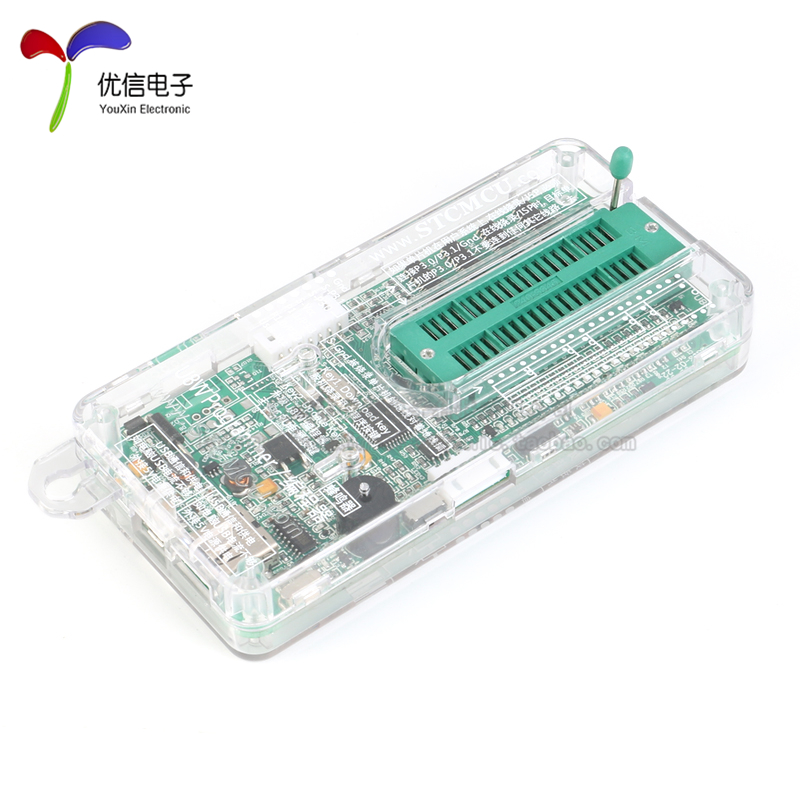 U8W/U8W-Mini使用与常见问题解决
 - stm32使用HAL库配置串口中断收发数据(保姆级教程)
 stm32使用HAL库配置串口中断收发数据(保姆级教程)
 - 分享几个国内免费的ChatGPT镜像网址(亲测有效)
 分享几个国内免费的ChatGPT镜像网址(亲测有效)
 - Allegro16.6差分等长设置及走线总结
 Allegro16.6差分等长设置及走线总结